- calendar_today August 22, 2025
Most businesses make sure you are informed when they introduce new AI features. strong branding. significant announcements. Just to say, “Hey, look, we’re doing AI too,” a whole new product may occasionally be released.
Microsoft? They’re going in a different direction.
Instead of developing entirely new applications or user interfaces, they are subtly improving some of the most well-known features of Windows 11—Snipping Tool, Photos, and yes, even Microsoft Paint. The goal is not to impress you with something novel and shiny. It’s to improve the things you currently use.
To be honest, it’s working.
Photos and a Snipping Tool Boost Your Brain Power
It’s likely that you have used the Snipping Tool if you have used Windows in the past ten years. This type of tool simply functions: you take a screenshot, crop it, add a highlight if you want, and then proceed.
Microsoft is now transforming it into something more, though. Snipping Tool will soon be able to read the text in your screenshots because of optical character recognition (OCR). You will therefore be able to copy text straight from the image if you take a picture of a document, webpage, or even a meme that contains text.
Don’t type what’s already there again. No apps from third parties. Simply highlight, copy, and paste. It’s one of those features that doesn’t seem like much until you use it.
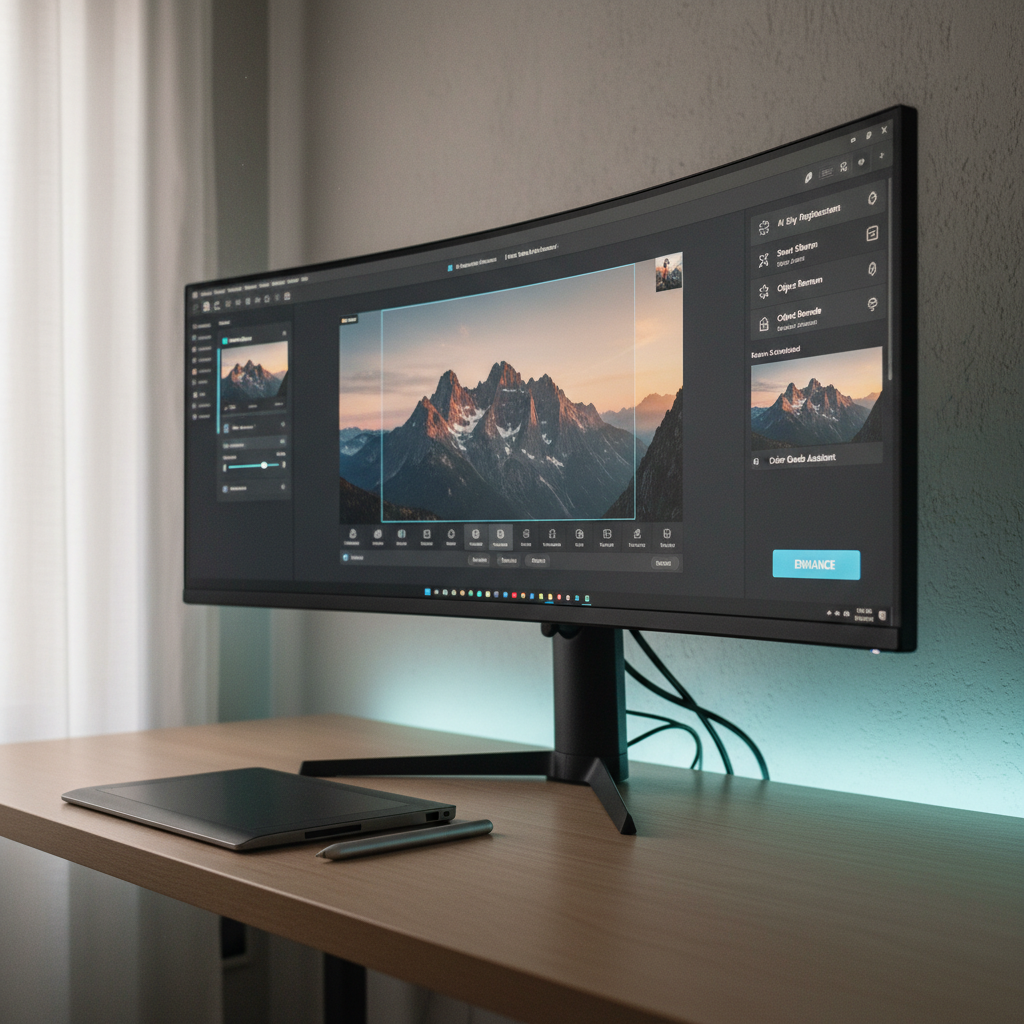
The Photos app comes next. It’s more than just a location to keep and view your photos anymore. Microsoft is developing artificial intelligence (AI) that can identify objects, people, and pets and make manipulation simple. Do you want the background to be removed? Blur everything except your subject? Soon, it will only require a few clicks.
The appearance of the apps hasn’t changed significantly. However, they significantly enhance their capabilities.
Paint is also participating in the AI game.
The addition of AI-powered image generation to Microsoft Paint is something you most likely didn’t anticipate.
Yes, exactly. A feature that allows you to type a prompt and Paint will create an image based on it is being tested by Microsoft. “A whale jumping over a lighthouse during a stormy night,” perhaps? The same generative models that drive Bing Image Creator—likely based on OpenAI’s DALL·E technology—will make it come to life in Paint.
The existence of this feature alone is not noteworthy. It’s coming to an app that most of us associate with childhood, pixelated drawings.
Paint doesn’t have to become Photoshop, but it won’t happen anytime soon. It’s about providing everyday users with useful creative tools that don’t require a design degree or a tutorial.
How It All Works: Local AI and NPUs
Naturally, none of this magic occurs in a vacuum. Neural Processing Units (NPUs), specialized chips that manage AI workloads more quickly and effectively than standard processors, are necessary for these smarter features.
NPUs were primarily found in smartphones and a few Windows devices with ARM architectures until recently. However, thanks to AMD’s Ryzen 7040 series and Intel’s upcoming Meteor Lake chips, they are now available in mainstream laptops and desktop computers.
These AI tools can operate locally if your system has NPUs. This eliminates the need to upload your data or photos to a cloud server. Your device does all of the processing, which speeds up operations and protects the privacy of your data.
It also means these tools can work even if you’re offline.
What does all of this add up to, then?
A more intelligent version of Windows 11. Because it’s improving your old tools, not because it’s doing something completely different, simpler. more competent.
Nothing will need to be relearned by you. You’ll just notice that one day, Snipping Tool does more than it used to. Paint feels less like a joke and more like a sandbox. Photos become a real editing tool.
It’s not flashy. But it’s smart. And in this case, that’s even better.